In a world where processing speed and resource efficiency have become critical criteria for competition, virtualization technology plays a key role in the transformation of IT infrastructure. Among the powerful tools in this field, VMware ESXi has a special place; a stable and scalable platform that allows multiple Virtual machine on a Physical server را فراهم میسازد.
This technology not only ensures resource optimization, but also creates a reliable path for businesses to grow by reducing costs and increasing security.
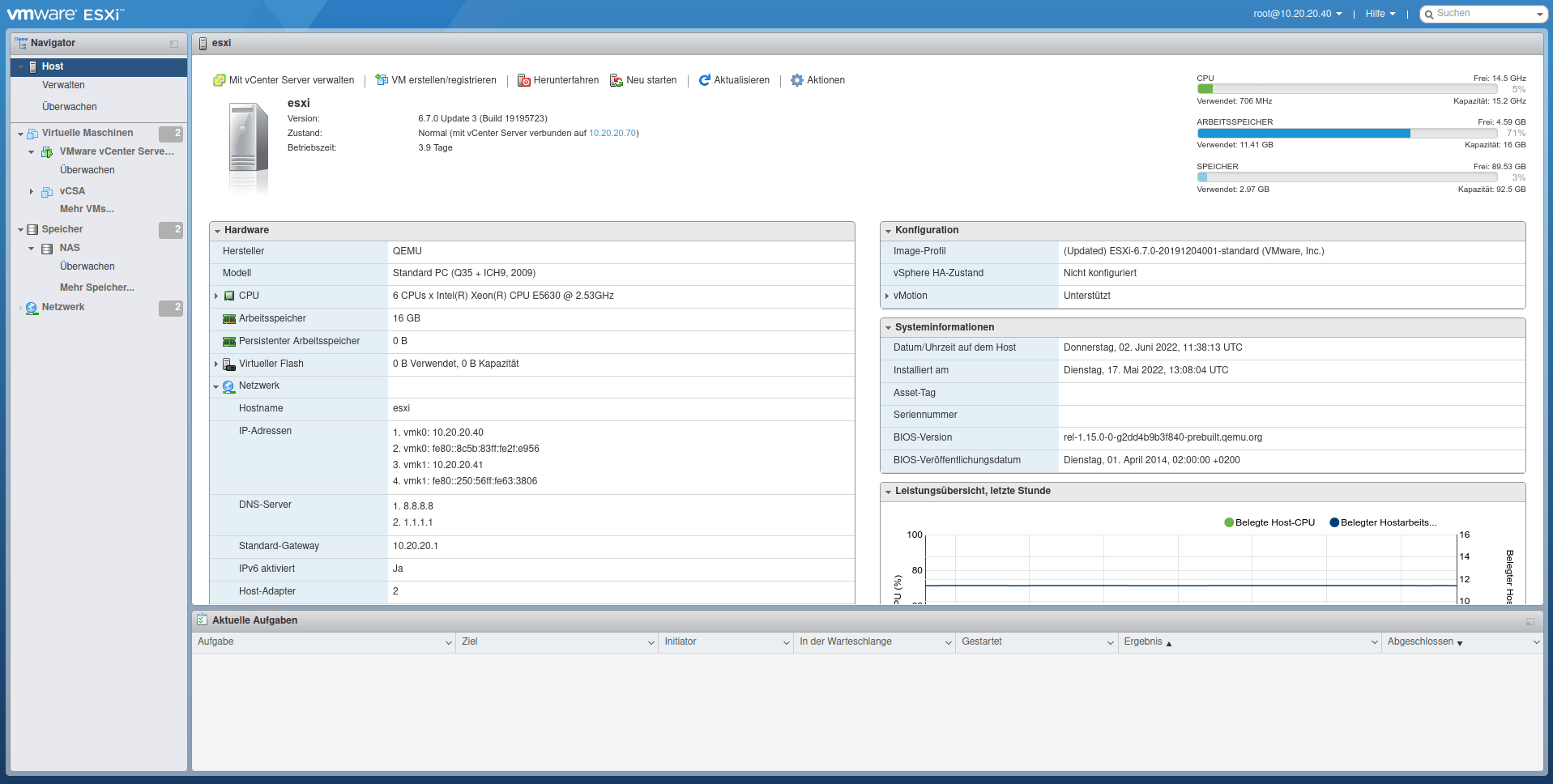
VMware SXI is a bare metal hypervisor that is installed directly on the server hardware. Unlike traditional operating systems, this platform is specifically designed to manage hardware resources and allocate them to virtual machines.
The main use of VMware ESXi is to create a flexible environment for running multiple operating systems simultaneously on a single server, Without the need for multiple physical devices, this feature allows organizations to manage dozens of services in parallel with a Server setup (simple).
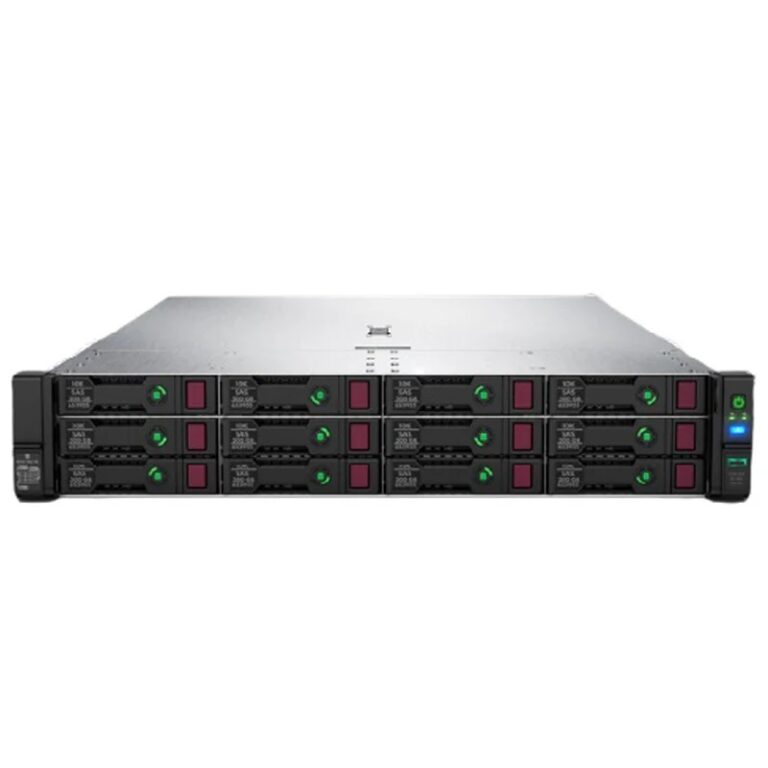
Running VMware ESXi requires compatible hardware. Modern processors Intel Xeon or AMD EPYC, at least 8 GB of RAM and SSD storage are recommended. Brands like HP and HPE With ProLiant 10th generation (G10) and 11th generation servers, they ensure full support for ESXi.
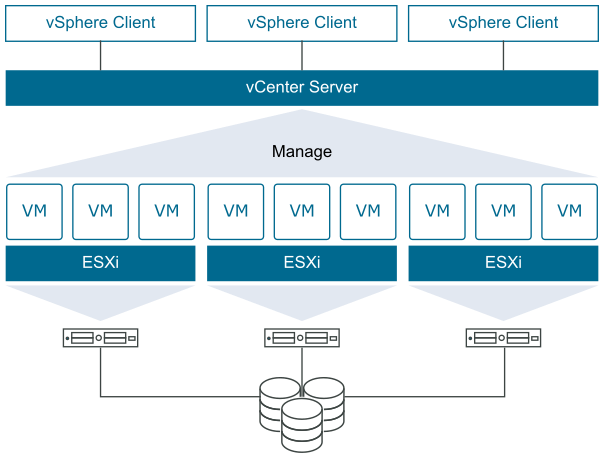
After installation, full management is done through vSphere Client This graphical user interface allows network administrators to monitor, create virtual machines, manage resources, and even perform regular updates.
every Virtual machine requires resource allocation to run. The system administrator can define the number of CPU cores, amount of RAM, and storage space based on the needs of the applications. This flexibility allows a powerful physical server to be divided into multiple separate environments.
VMware SXI uses Virtual Switch to connect virtual machines to the network. These switches allow administrators to manage both internal and external traffic.
Virtual machines can be independently connected to the Internet or corporate network, allowing developers and IT teams to create test and production environments on a shared infrastructure.
ESXi supports storage types such as SAN، NAS and Local Storage Also the VMFS ability As VMware's proprietary file system, ensures optimal data management.
Tools like VMware vSphere Data Protection And peripheral software allows for regular backups of virtual machines. Storing backups in the cloud also doubles data security.
Regular ESXi updates and 24/7 system monitoring via vCenter or third-party monitoring software ensure the stability and security of the infrastructure.
By consolidating multiple services onto one physical server, the need to purchase separate server types is reduced. In addition to saving on initial investment costs, this also reduces energy and maintenance costs.
IT administrators can allocate unused server resources to new virtual machines, maximizing productivity and increasing efficiency.
Organizations can easily create new virtual machines based on their needs. This flexible scalability ensures future-proof and sustainable business growth.
Conclusion
Using VMware SXI to create multiple virtual machines on a single server is a milestone in the evolution of IT infrastructure. This technology reduces costs and maximizes resource utilization by leveraging a robust architecture and advanced security capabilities.
Whether for large organizations with complex needs or start-up businesses with limited resources, VMware ESXi It is a smart choice. Server setup Based on this hypervisor, it can create a stable, secure, and scalable future for any organization.
 RayaICT Company | Network infrastructure implementation and 24/7 support