PuTTY is a Linux server connection software that is a key tool in the world of server management and IT; a lightweight, free, yet powerful software that allows network administrators, developers, and power users to connect to Linux servers via the SSH protocol. As technology infrastructure moves towards virtualization and cloud server deployment, using tools like PuTTY as a secure and fast gateway for remote management is inevitable.
Why is PuTTY the first choice of network professionals?
In a world where secure communication protocols are paramount, PuTTY has become a popular and widely used tool due to its full support for SSH, Telnet, and Serial. This software acts as a secure communication bridge, especially for those users who use the Windows operating system and need to quickly connect to a Linux server.
In fact, connecting to a Linux server is not just about installing a tool; it involves a combination of technical knowledge, network security, and choosing the right tool. PuTTY paves the way with its simple yet profound user interface.

PuTTY is a free and open source SSH client originally designed for Windows, but versions are available for other operating systems. The software allows users to connect to Linux or Unix servers via secure protocols.
The way to work with PuTTY is very simple but specialized; just enter the server IP address, the corresponding port (usually 22 for SSH), and the connection type, and then log in to the server with a valid username and password. For those on the path of Server setup This software is the key to entering the world of remote configuration and management.
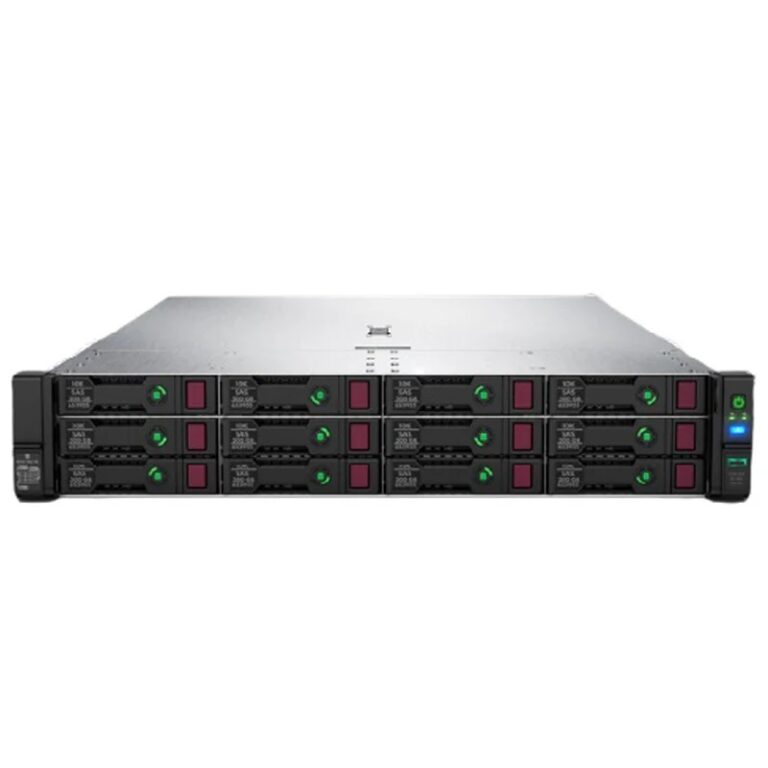
When a Linux server is first installed, there is usually no graphical interface enabled on it. All configuration, especially on professional servers and data centers, is done through the command line (CLI). This is where PuTTY comes into play.
Through this software, users can log into the server terminal environment and execute commands directly. Settings such as installing packages, creating users, configuring the network, setting up the firewall, and managing services are all done through this platform.

In companies like RayaICT , which designs and implements network and data center infrastructure, PuTTY is used as a daily and essential tool. This software helps professionals to examine, monitor, and configure various servers without the need for physical access to the server.
Many of the company's experts manage servers located in different parts of the country via VPN and then connecting with PuTTY. This method not only saves time and resources, but also increases the security factor of operations.

Although there are many graphical tools developed for managing Linux servers today, PuTTY still holds its place due to its simplicity, speed, and stability. Along with this tool, we can mention WinSCP (for file transfers), MobaXterm (for an integrated environment), and Termius (for working with SSH on mobile).
But PuTTY still tops the list of server connection tools, given its long history, open source community support, and regular updates.
PuTTY Linux server connection software, a tool beyond a client of a Simple SSH This software is actually a gateway to the world of Linux infrastructure configuration, management, and development. In an era where remote management has become a necessity, using tools like PuTTY can ensure efficiency, security, and speed in implementing network projects.
For organizations like RayaICT, which specializes in server setup, network monitoring, and technology infrastructure implementation, choosing the right tool, including PuTTY, plays a key role in operational success and maintaining information security.
Looking to the future, although more sophisticated tools are emerging, PuTTY will remain a fundamental pillar of network architecture; simple, effective, and unrivaled.
 RayaICT Company | Network infrastructure implementation and 24/7 support